
Accessing Library Resources
Accessing the Library onsite
All eligible staff can access library resources from any networked PC or device connected to the hospital WiFi network without the need to login
Accessing the Library remotely (offsite access)
-
- Library membership is required to access library resources using non-networked or personal devices.
- When accessing electronic resources through the library website from offsite you will automatically be asked to enter your library membership and password.
To access resources remotely find them as normal through the library homepage. When you click on the link to the resource instead of being granted access automatically you will instead see a login screen. Enter your library membership number and password, and you will then be taken to the resource as normal.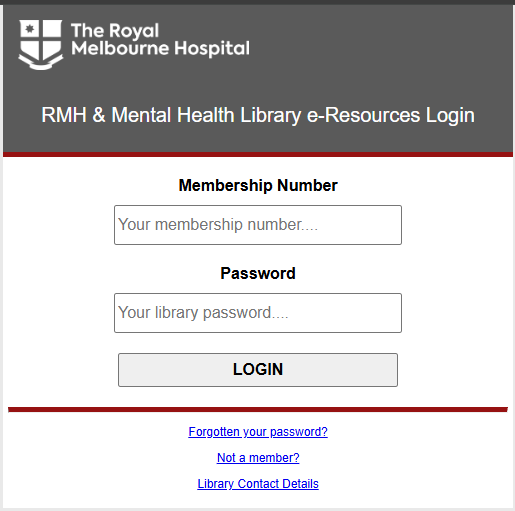
Accessing journal articles
This Libguide on accessing journal articles, developed by the clinical support team, shows the various methods of accessing journal articles.
Additionally you can view our demonstration video for accessing articles from the website.
Accessing library databases
You can view our demonstration video for accessing library databases from the website.